
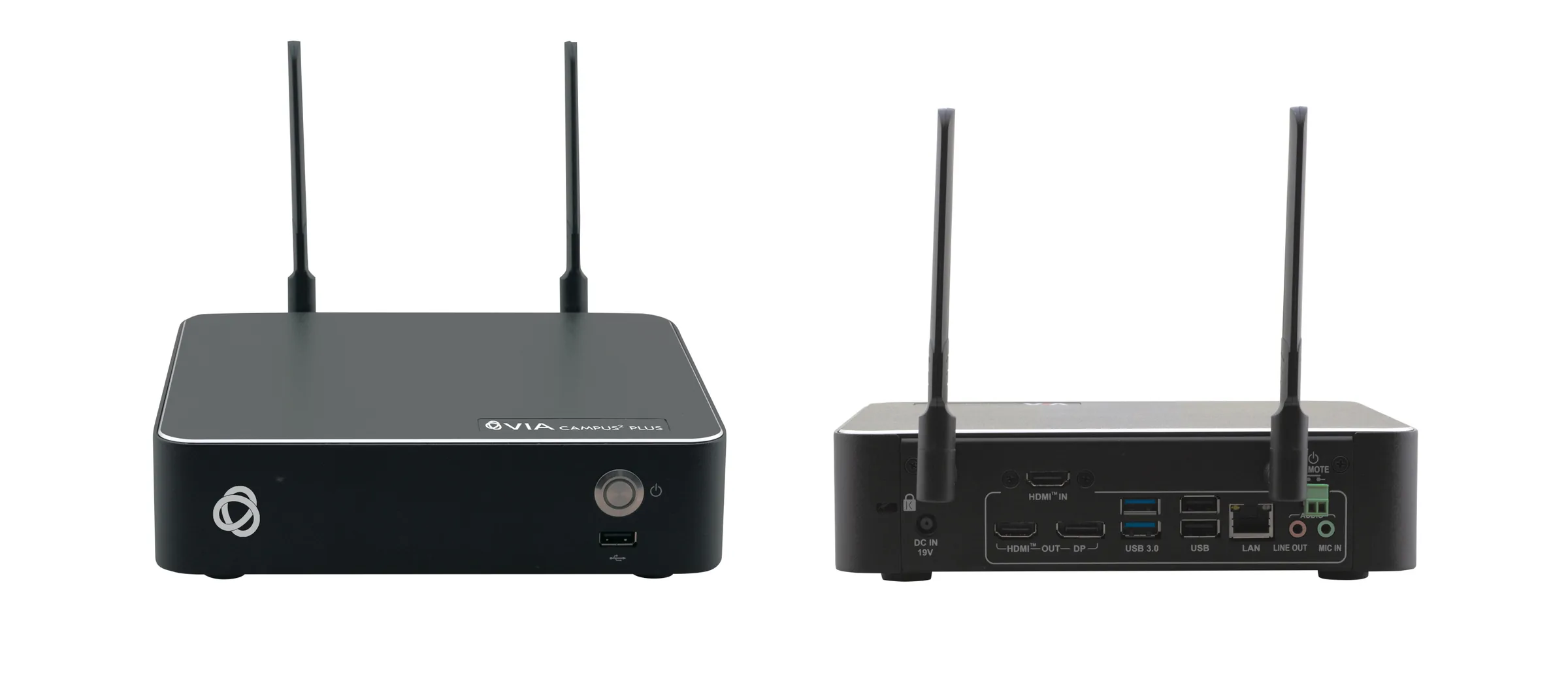
 คลิกเพื่อขยาย
Kramer · VIA CAMPUS2 PLUS
Kramer VIA Campus² PLUS 4K30 Simultaneous Wired and Wireless Presentation & Collaboration Solution
ระบบสัญญาณภาพ · พรีเซนต์ไร้สาย (Wireless Presentation)
- ชนิด: พรีเซนต์ไร้สาย (Wireless Presentation)
- Built-In isolated Wi-Fi and LAN.
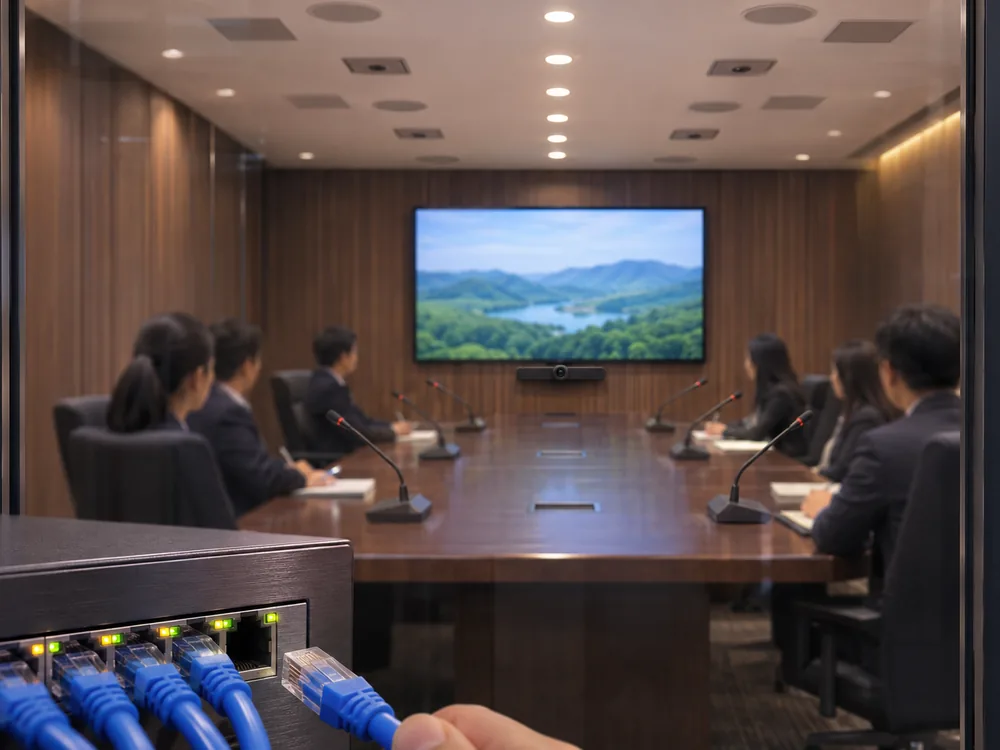
- Easy and Effective Wireless Connectivity - Built-in Wi-Fi gives you two setup options for enabling meeting participants to wirelessly join the meeting. After setting a wired connection from your VIA device to your local corporate LAN you can do one of the following: use the built-in VIA Wi-Fi to create a guest network to which participants can connect or use the built-in VIA Wi-Fi as a Miracast receiver.
- Automatically stops presentation when leaving the room.
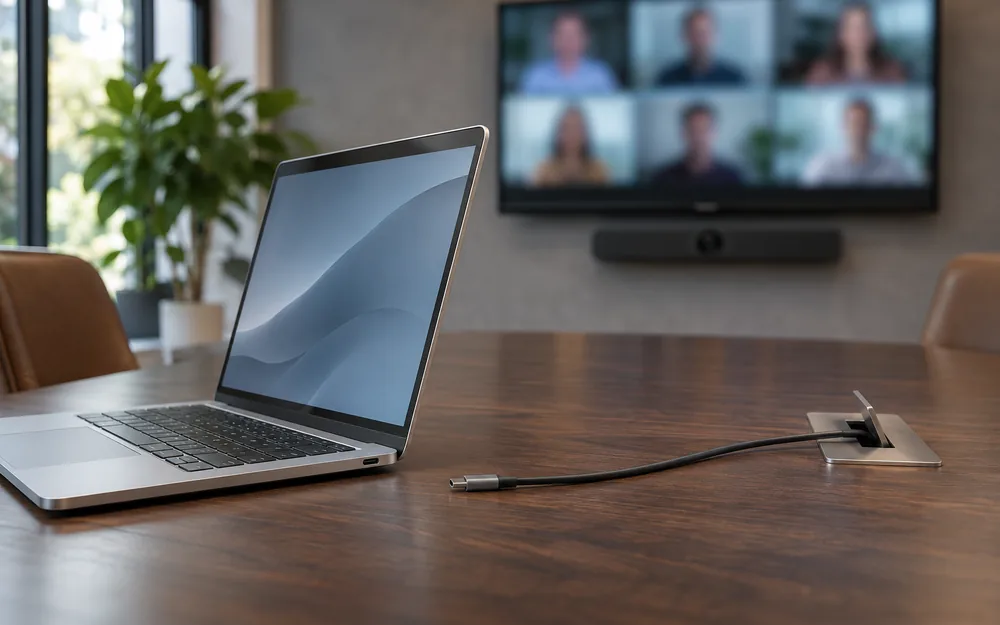
- 4K@30 HDMI Wired Input - Enables hard-wiring your computer or other HDMI compatible device such as a camera, multimedia player or computer. Note: Does not support HDCP signals.
สอบถามราคา
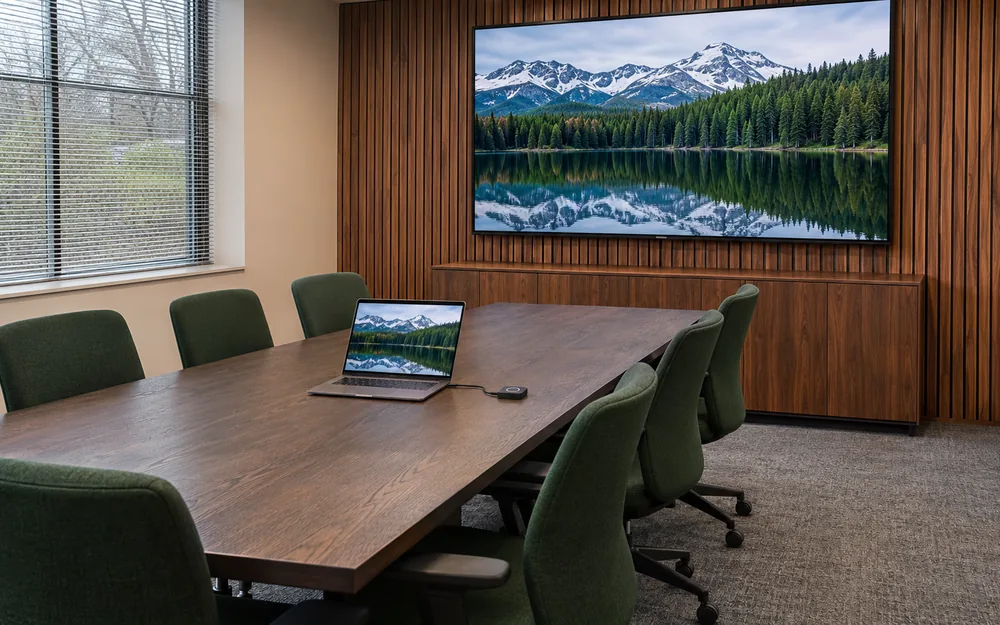
Kramer VIA CAMPUS2 PLUS ระบบนำเสนอไร้สาย (Wireless Presentation) - VIA Campus² PLUS 4K30 Simultaneous Wired and Wireless Presentation & Collaboration Solution. VIA Campus² PLUS is a simultaneous wired and wireless presentation and collaboration solution that makes it easier to get actual work done during meetings. VIA Campus² PLUS delivers all the outstanding features found in the VIA Campus² with the addition of an HDMI™ input for simple and seamless wired connectivity. With any laptop or mobile device, users can view, edit and comment on documents in real time and record sessions. Kramer’s new VIA 4.0 is all about the end user. The new VIA application UI is intuitive, user-friendly and much easier to use. VIA 4.0 enables any user, including guests, to easily and securely connect and automatically disconnect at the end of the session. Meeting participants can display or stream full, uninterrupted video (up to 4K@30Hz) from their device, and even play YouTube® videos in full frame rate. VIA Campus² PLUS can show up to six user screens on a single main display and 12 on two displays. Users can also view the main display on their own device. VIA Campus² PLUS features iOS mirroring via AirPlay™, Windows & Android mirroring via Miracast™, as well as ChromeBook mirroring. The shared screen sizes are automatically adjusted based on their respective source, and can be resized manually by the user when needed. VIA Campus² PLUS supports 3rd party conferencing and office apps, such as Microsoft Office®, Teams® (requires an upgrade to Windows 11 license as the device ships with Windows 10), SkypeforBusiness®, Zoom®, GoToMeeting®, and WebEx®.
| Ports | 2 USB 3.1 Gen 1 (blue): On female USB type-A connectors | 3 USB 2.0 (black): On female USB type-A connectors | 1 LAN: On an RJ-45 connector | 2 Wi-Fi Antennas: On threaded Wi-Fi connectors (for future use) | 2 Wi-Fi Antennas: 1 Power Toggle :On a 2-pin terminal block |
|---|---|
| Inputs | 1 Microphone: On a 3.5mm jack | 1 HDMI: On a female HDMI connector |
| Outputs | 1 HDMI: On a female HDMI connector | 1 DisplayPort: On a female DisplayPort connector | 1 Unbalanced Stereo Audio Line Out: On a 3.5mm jack |
| Max. Resolution HDMI Input | 4K@30 |
| Max. Resolution DisplayPort Output | 4K@30 |
| Max. Resolution HDMI Output | 4K@30 (RGB) |
| Video Streaming Playback (using Kramer VIA app Multimedia feature) | 1080p@60fps |
| Web Conferencing Cameras Tested with VIA Versa Feature | Logitech MeetUp, Logitech C270, Logitech BCC950, Logitech C525, Logitech Brio UHD PRO, Logitech C310, Logitech C922, Avaya HC020, Avaya HC050, Huddly GO, Yamaha CS700, Minrray MG100A, Microsoft Livecam HD-3000, TedGem 1080p, Vaddio HuddleSHOT, Yealink UVC80, Bose Videobar VB1, BIAMP Devio SCR-20, BIAMP Devio SCR-25,LUMENS B10U, LUMENS B11U, LUMENS B2U, MAXHUB - UCS10, Yealink UVC30ROOM, Aver CAM340+, Avonic AV-CM44-VCUC-B PTZ, Konftel C50 PTZ |
| Video Conferencing Apps Tested with VIA Versa Feature | Skype for Business, Skype, Teams, Zoom, Google Meet, BlueJeans, LifeSize Cloud |
| Video | All brand names, product names, and trademarks are the property of their respective owners |
| Integrated High Definition Audio | 5.1 channel |
| Web Conferencing Audio Devices Tested with VIA Versa Feature | Aver VB432 Speaker (Microphone), Yamaha YVC-330 (Speaker, Microphone, Bluetooth phone gateway), Yamaha YVC-1000 (Speaker, Microphone, Bluetooth phone gateway), Nureva HDL300 (Speaker) |
| LAN | Gigabit LAN |
| Wireless Communication | Intel dual-band wireless 802.11ac - model 3168NGW |
| Source | 120W power adapter (19V, 6.32A) |
| Consumption | Max 5A |
| Operating Temperature | 0° to +40°C (32° to 104°F) |
| Storage Temperature | -40° to +70°C (-40° to 158°F) |
| Humidity | 10% to 90%, RHL non-condensing |
| Included | Power adapter, 2 Wi-Fi Antennas, HDMI cable extender (M to F) |
| PRODUCT DIMENSION | 21.00cm x 19.00cm x 5.00cm (8.27" x 7.48" x 1.97" ) W, D, H |
| PRODUCT WEIGHT | 1.5kg (3.2lbs) approx. |
| SHIPPING DIMENSION | 40.50cm x 29.70cm x 9.00cm (15.94" x 11.69" x 3.54" ) W, D, H |
| SHIPPING WEIGHT | 2.7kg (5.9lbs) approx. |
| Ref. Code | TCR-YAP2SV |
สเปกชีต (Spec Sheet)
คู่มือ (Manual)
- Kramer VIA Integration into DNS and Microsoft Active Directory (PDF)
- Kramer VIA Multiple Network Installation Guide (PDF)
- Kramer Configuring Third Party Apps for VIA Calendar Integration User Manual (PDF)
- Kramer How to Configure a DMZ for Secure Collaboration (PDF)
- Kramer 4K Signal Management White Paper (PDF)
- Kramer VIA Campus² PLUS Quick Start (PDF)
- Kramer Creating an SSL certificate for VIA (PDF)
- Kramer VIA Security White Paper (PDF)
- Kramer VIA IT Deployment Guide (PDF)
- Kramer VIA User Manual (PDF)
อุปกรณ์ที่ใช้งานร่วมกัน
เพิ่มความสมบูรณ์ให้ระบบ — กด “เพิ่มลงใบเสนอราคา” ได้ทันที


